I made a website!
Guess who finally made a personal website?
Design inspiration
While dreaming up my ideal personal website, I found myself wanting to play around with the Japandi interior design style. Japandi borrows aspects from both Japanese aesthetics, such as 侘び寂び (wabi-sabi, an appreciation of the imperfect and incomplete) and Japanaese minimalism, as well as Scandinavian design emphasizing simplicity and hygge (warmth and comfort).
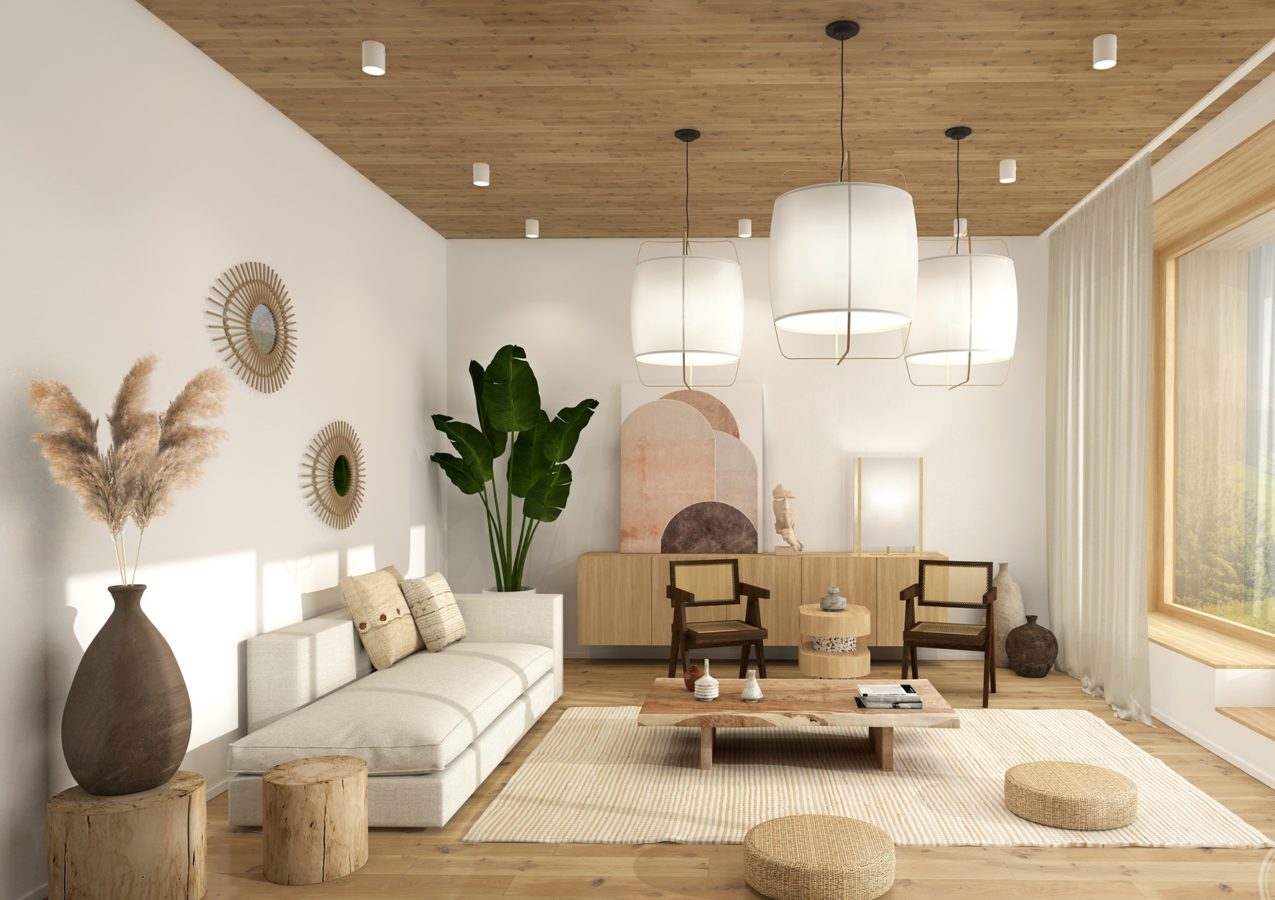 For me, the shades of brown are reminiscent of sandy beaches or a cabin in the woods.
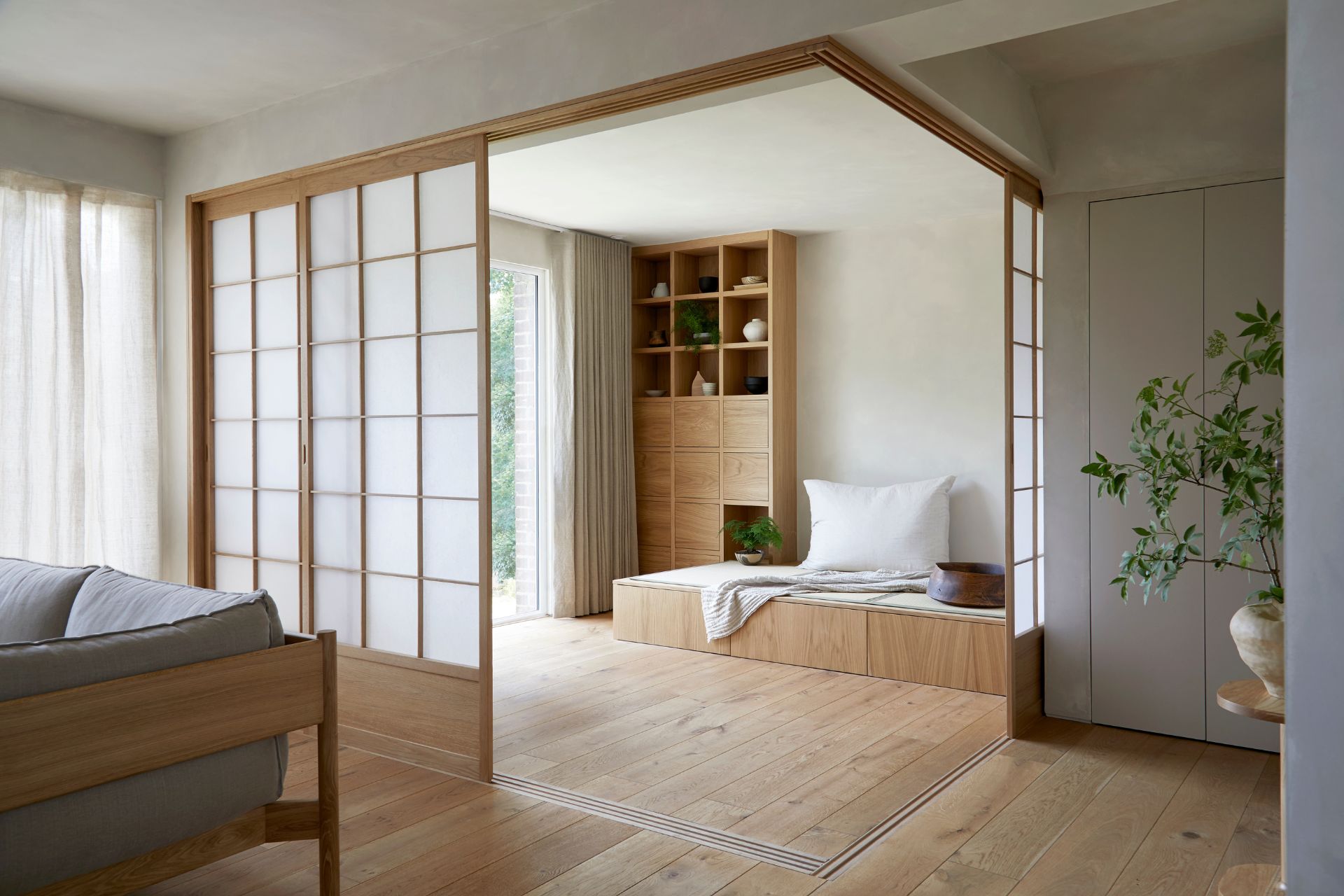 The splashes of green from the plants add just the right amount of energy to an otherwise “simple” layout!
My girlfriend actually wanted to decorate our real living space in the Japandi style, but our walls aren’t the right color and our landlord doesn’t want us to paint them differently, so that didn’t end up happening. Anyway, back to the website!
Coding challenges
With a design vision and layout in mind, I went on the hunt for suitable Jekyll themes. I eventually decided on Chirpy for its minimalist aesthetic and vertical navigation bar, although it was clear that I would need to make a few tweaks in order to get it to where I wanted. Easier said than done, apparently.
(For the record, I think Chirpy is a great theme with solid developer support, and it’s the closest I found to my target design. I definitely recommend it if you’re looking to create a blog-focused site with a similar overall layout!)
In this inaugural blog post, I wanted to highlight two of the main issues I ran into while trying to modify the template. Ironically enough, the first issue was that I didn’t like the prominence of the blog! More specifically, I wanted a home page that existed separately from the blog, whereas Chirpy is built so that the landing page is the blog paginator. Fortunately, I found this helpful guide by a fellow Chirpy user with the same goal, so I followed the provided steps while incorporating a few of my own ideas as well. The most significant changes I made were as follows:
- Repurposed the existing “About” page as a homepage and set its permalink to
/ - Configured the permalink for all blog-related tabs (the paginator, “Categories”, “Tags”, and “Archive”) to start with
/blog/ - Added additional LiquidJS logic in
_includes/sidebar.htmlto group the blog-related navigation tabs in the sidebar
The other main issue had to do with CSS, because of course it did. In the appropriate stylesheet within the Chirpy template, I originally defined the following CSS variables and style declarations:
1
2
3
4
5
6
7
8
9
:root {
  --sidebar-text-color-active: #255820;
  --sidebar-hover-bg-color: #cceebb55;
}

#sidebar .nav-link {
  --sidebar-text-color-active: #255820;
  --sidebar-hover-bg-color: #cceebb55;
}
However, after building the site and poring through the computed styles in my browser’s DevTools panel, I found the following active declarations:
1
2
3
4
#sidebar ul li.nav-item.active .nav-link {
  color: var(--sidebar-active-color);
  background-color: var(--sidebar-hover-bg);
}
Okay, so those aren’t the variables I defined… These seem to be coming from the Chirpy template stylesheet, rather than my own custom styles. But my styles are declared after the template’s, so shouldn’t mine take priority?
I’m sure that anyone who regularly writes CSS already spotted the issue or saw this coming a mile away, and unfortunately I am not one of those people. If you’re like me and don’t work with CSS often, feel free to pause for a moment and ponder what’s going on.
All right, welcome back!
In short, the problem is one of specificity. For those unfamiliar, in CSS there is a concept called the “specificity hierarchy” which determines which style declaration wins out over another. It’s basically a priority order, and different types of selectors take priority over others:
- Inline style declarations automatically have the highest priority and override all other styles. (Since Jekyll is Markdown-based, there are rarely)
- ID selectors such as
#headerare next in the hierarchy and provide the next-highest priority. - Class selectors such as
.captionand attribute selectors such as:hovercome next. (This level also includes pseudo-classes. I mention these separately because I honestly don’t know what a CSS pseudo-class is.) - Towards the bottom of the hierarchy are elements such as
h1(and pseudo-elements, like::after). - And finally, the universal selector
*and the:where()pseudo-class lose to everything else.
Importantly, in a combination of selectors, each of #2–4 contribute to an overall specificity “score” or “weight”:
| Selector type | Weight |
|---|---|
| ID | 1-0-0 |
| Class, pseudo-class, attribute | 0-1-0 |
| Elements, pseudo-elements | 0-0-1 |
As a concrete example, let’s revisit the template’s style declaration from earlier, specifically its selectors:
1
2
3
#sidebar ul li.nav-item.active .nav-link {
  ...
}
We see that this consists of one ID selector (#sidebar), three class selectors (.nav-item, .active, and .nav-link), and two element selectors (ul and li), for a total specificity weight of 1-3-2. (It’s perhaps worth noting that I originally discovered the concept of specificity while trying to debug this issue, when I hovered over these selectors in the DevTools panel only to be shown some hovertext stating its specificity weight. Neat!)
So, the solution for my issue? Simply write out a more specific style declaration, like so:
1
2
3
4
#sidebar ul li.nav-item.active a.nav-link {
  background-color: var(--sidebar-hover-bg-color);
  color: var(--sidebar-text-color-active);
}
This has a weight of 1-3-3, thus taking priority over the existing template style. (A weight of 1-3-2 would also suffice, since later declarations override earlier ones when their specificity weights match.)
So, what’s next?
Here are some ideas I have for the future of this website, in no particular order:
- Add my resumé / curriculum vitae
- Personal projects
- Music recording projects
- Capoeira videos and practice logs
- I’ve been working on a few language-related Python scripts (check them out on my GitHub) that I think would be cool to have as interactive modules on this website
- More blogging
- Fun math puzzles and brain teasers
- My thoughts on education
- Random niche discoveries
- Maybe some book reviews?